Free BRUNNER apps – control your heating system digitally. Operate everything easily and conveniently from the comfort of your sofa.
To make controlling your BRUNNER product easy and convenient, we offer several free apps. Both the WiFi-Control app for BRUNNER gas fireplaces and the EAS3 app can be downloaded, paired with your device, and used immediately—no hassle.
To access your heating system from anywhere via app or web browser, a one-time registration at myBRUNNER is required.

An overview of all BRUNNER Apps
myBrunner App
BRUNNER EAS3 App
Brunner WiFi-Control
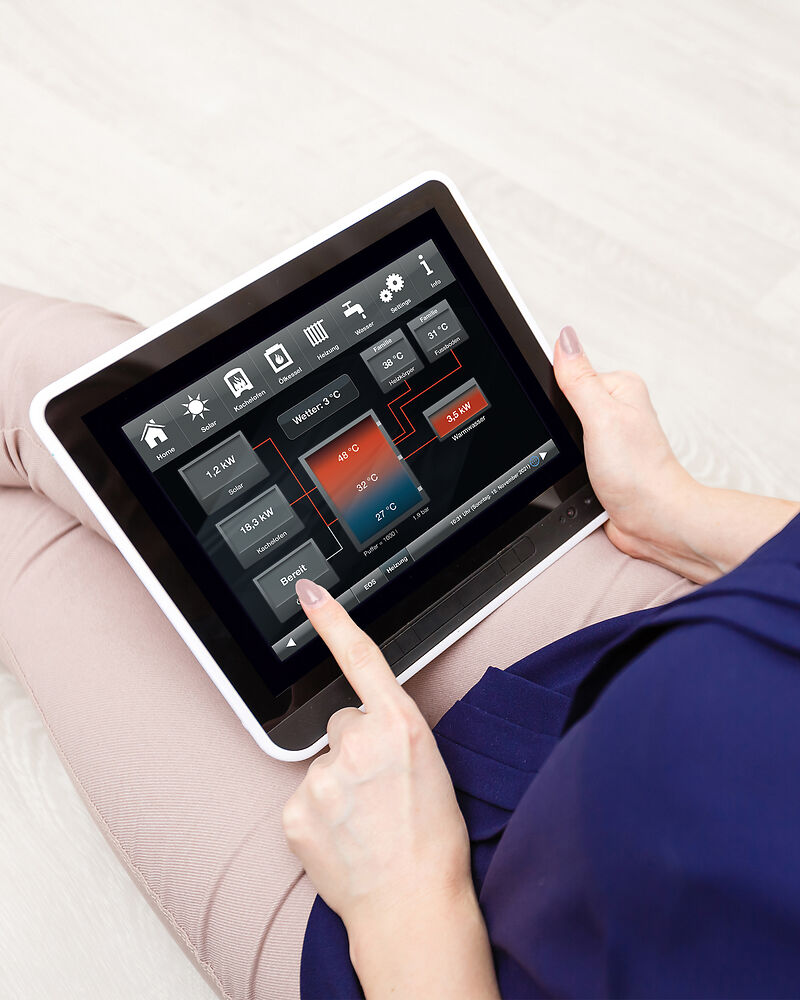
myBRUNNER App
Online access to your BRUNNER system
Simple access to your heating system
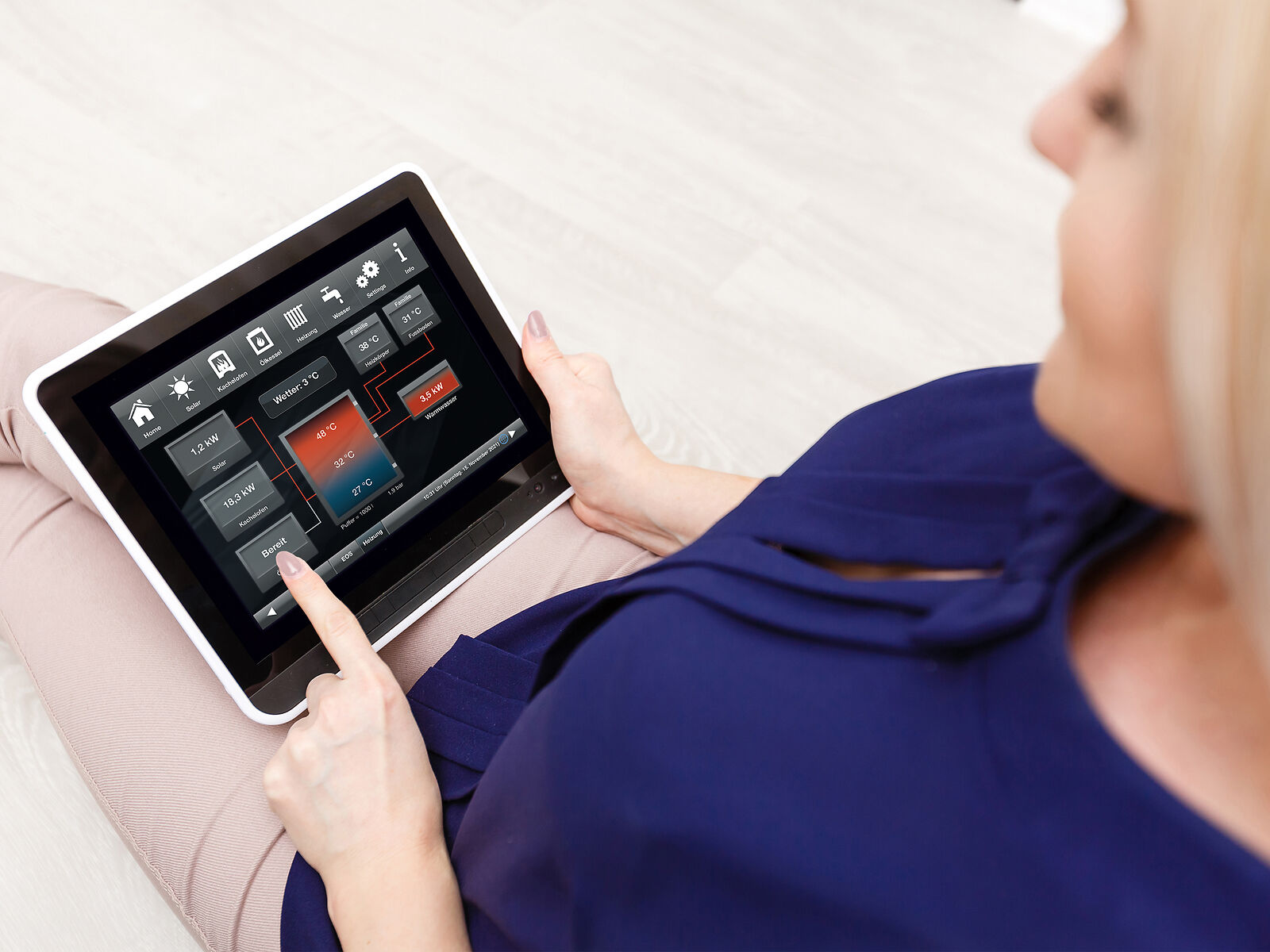
The myBRUNNER app makes it easy to access your heating system via smartphone or tablet, giving you a quick and convenient way to stay connected.
One major advantage of remote access: you save time and avoid stress. In the event of a malfunction, your craftsman can access the system online and resolve issues quickly. Even when technical questions arise, we can provide fast and effective support. It also simplifies setup and control processes for installers and architects right from the start.
Installation myBRUNNER App

Schritt 1: Register
Make sure to keep your login details safe from the registration at www.mybrunner.de. You’ll need them later to use the app.
Schritt 2: Download the App
Next, download the app for your operating system.
Step 3: App setup
Have you already registered on myBRUNNER? Then activate your account using your login credentials. Once the app is installed, the “myBRUNNER” icon will appear on your screen. The app is designed to be intuitive and user-friendly. You can choose between three main buttons:
- Login: Log in or out – this is your main access point to the app.
- Introduction: A quick guide to get familiar with the key features and how the app works.
- Contact & Support: A section where you can reach out with questions or feedback about the app.
Once your username and password are set, a fourth button will be activated. This grants access to the heating control system. After successful login, simply select your registered control unit and adjust the settings as needed. To exit the screen, just tap the back button on your device.
BRUNNER EAS3 App
For your fireplace & stove
Always keep an eye on the combustion
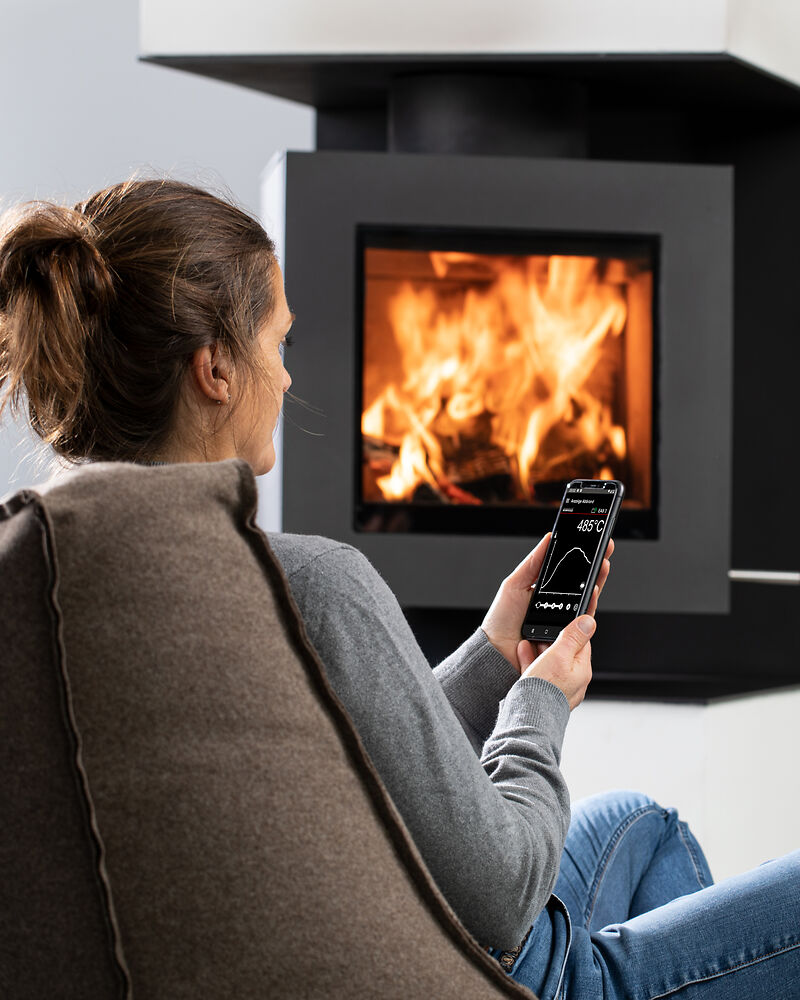
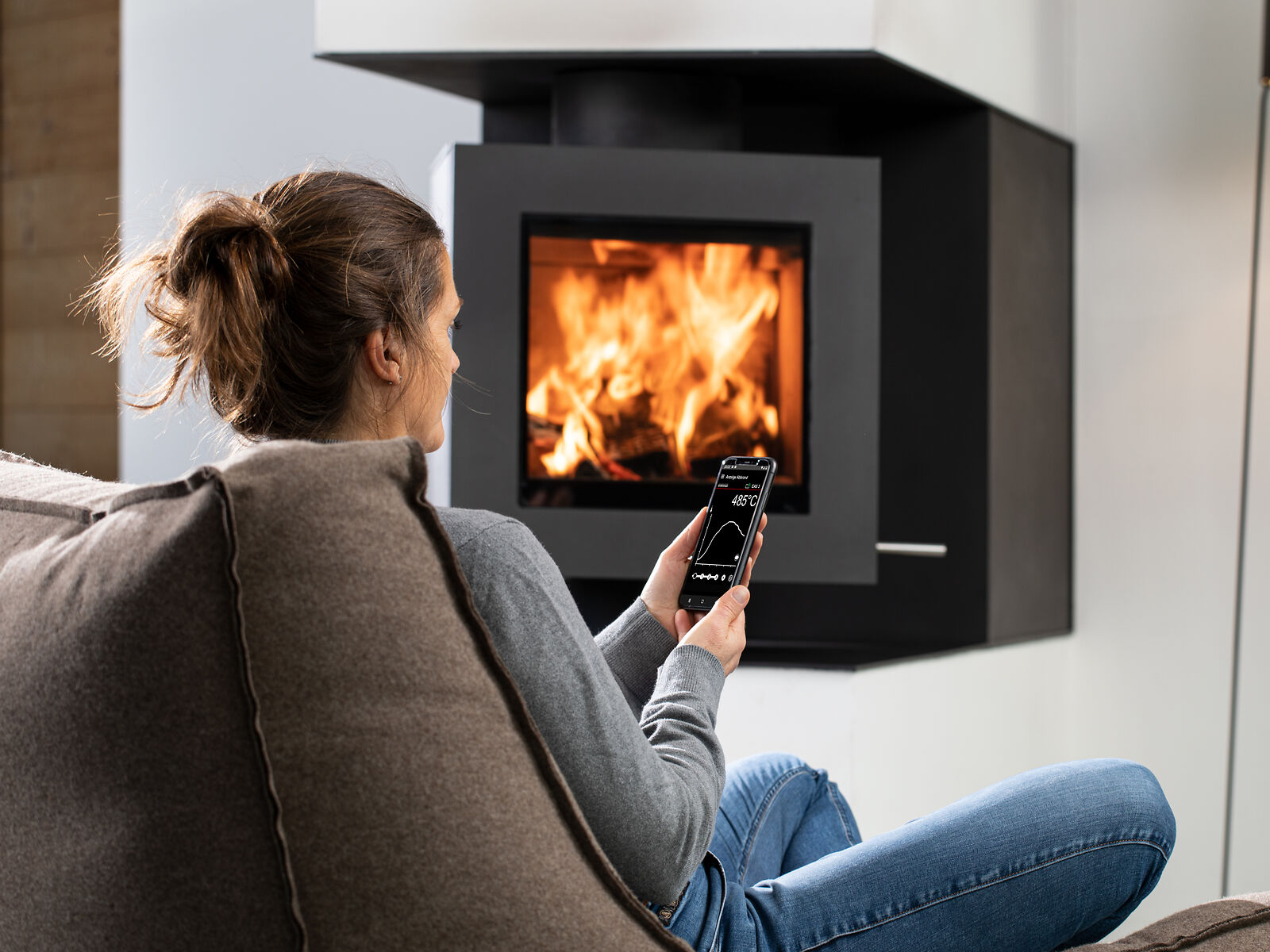
All versions of the EAS 3 combustion control system come with built-in Wi-Fi and can be operated using the BRUNNER EAS3 app. The app works seamlessly on both smartphones and tablets and is available free of charge.
The BRUNNER EAS3 app is designed for use within the range of your home Wi-Fi network. Its user interface mirrors the familiar buttons and layout of the EAS3 display, making it easy and intuitive to use.
BRUNNER WiFi-Control
for your gas fireplace
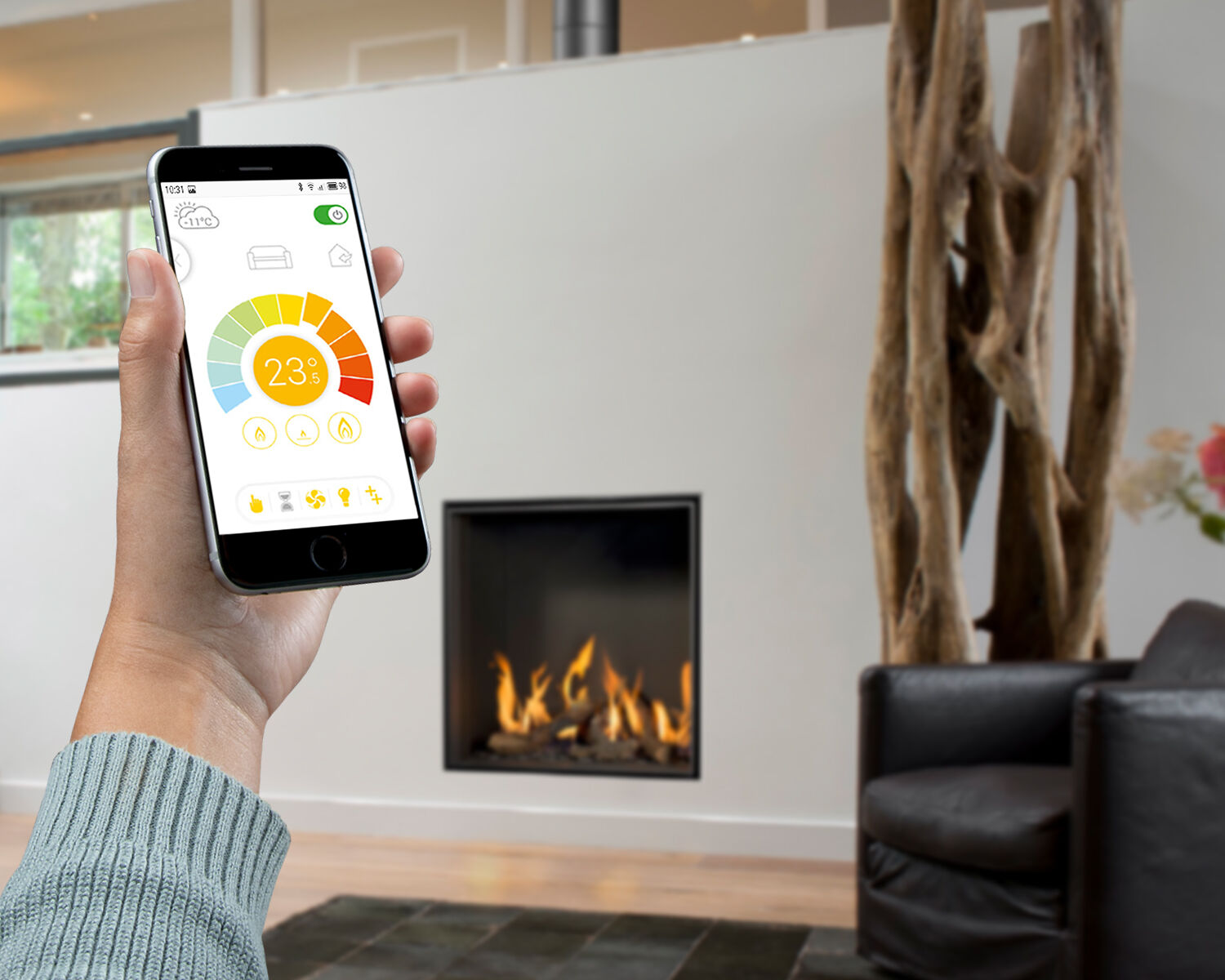
Control your gas fireplace easily via smartphone or tablet
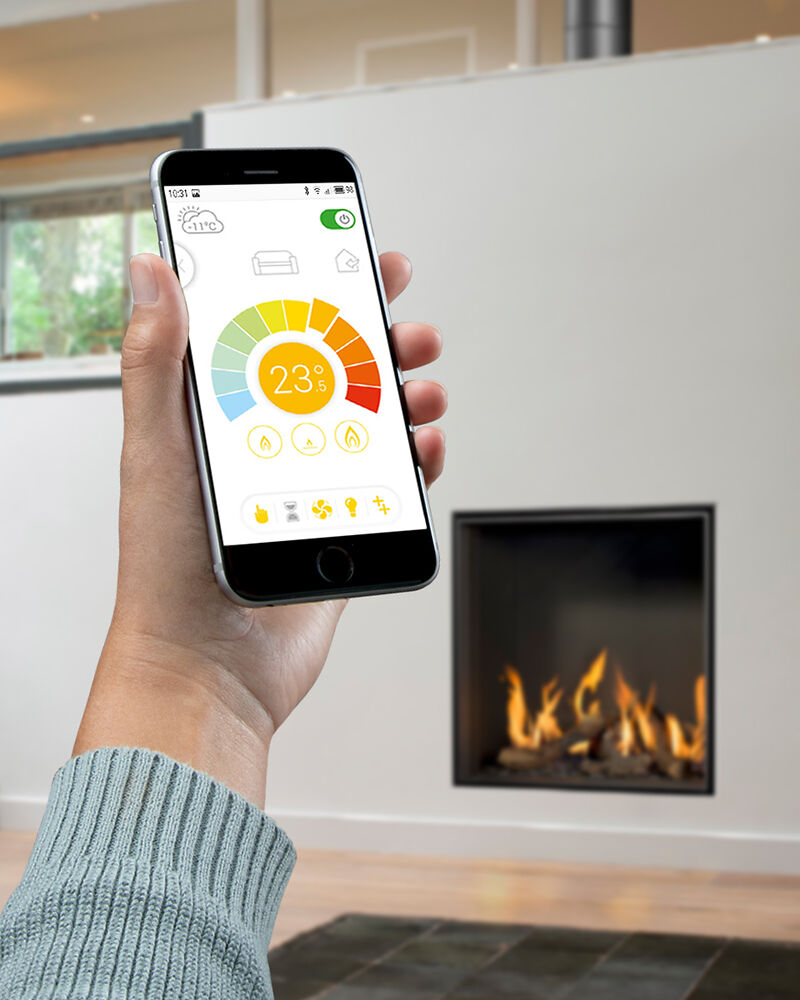
From basic functions like turning your fireplace on and off to customizing flame patterns or reducing gas consumption with the Eco mode – the BRUNNER WiFi-control offers a wide range of practical features.
Connected to your home Wi-Fi network, you can control and manage up to eight gas fireplaces at once – ensuring maximum convenience and user-friendly operation. Turn your gas fireplace into an experience with the BRUNNER WiFi-control app.
BRUNNER Craftsmen search
Are you interested in a stove or heating system from BRUNNER? Please contact one of our craftsmen partners.